TechGuys.store
ORICO 5 bay Hard Drive Docking Station SATA to USB 3.0 HDD Docking Station with Offline Clone Function for 2.5/3.5 inch HDD/SSD
ORICO 5 bay Hard Drive Docking Station SATA to USB 3.0 HDD Docking Station with Offline Clone Function for 2.5/3.5 inch HDD/SSD
Couldn't load pickup availability
SPECIFICATIONS
100cm Data Cable: USB Type-A/M to USB Type-B/M , 1M
Brand Name: Orico
Case Material: Plastic
Choice: yes
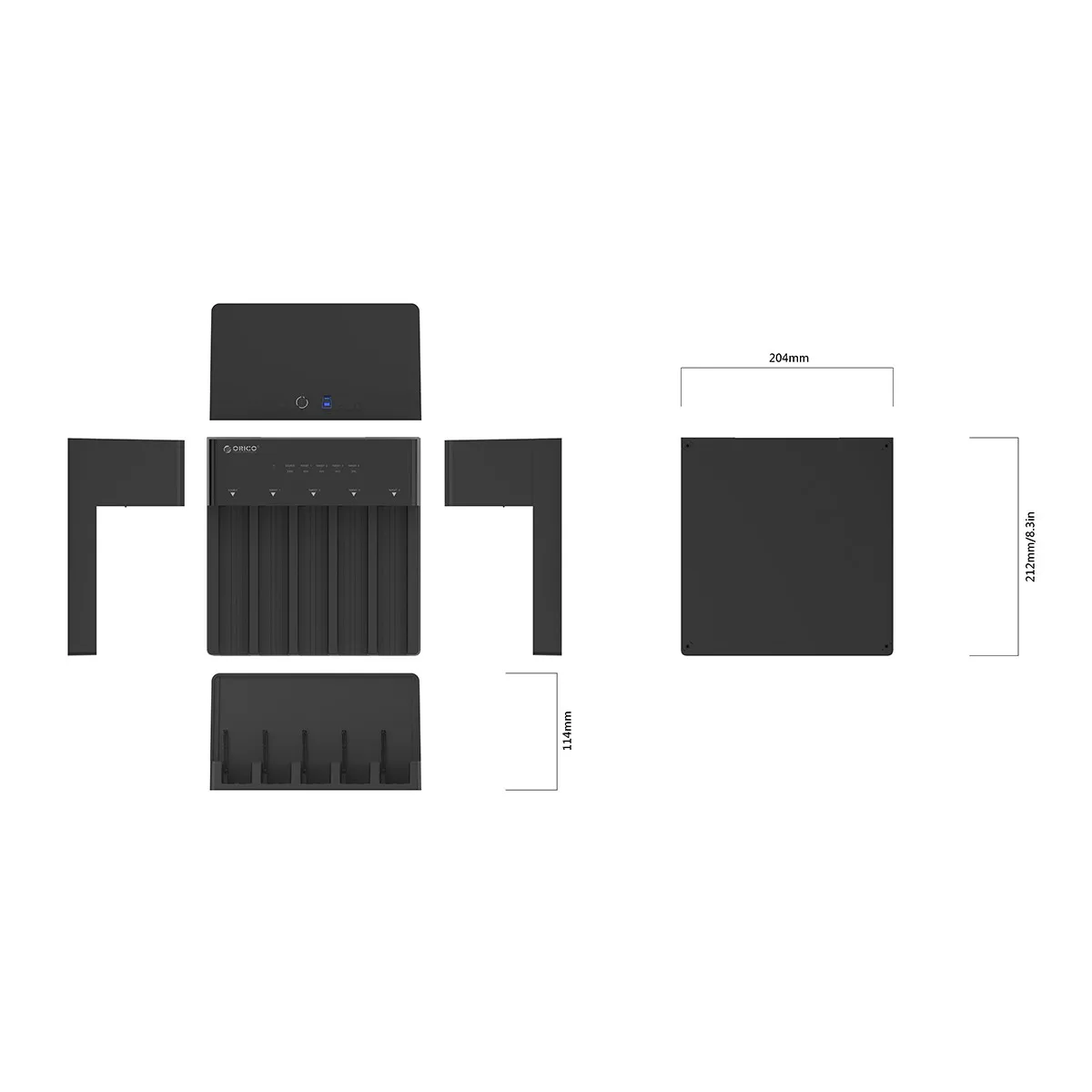
Dimension: 212mm(L)*204m(W)*114mm(H)
External Interface: USB
Feature 1: Vertical Heat Dissipation
Feature 2: Anti-slip mats
Function 1: Offline Clone
Function 2: Hot-swap
Function 3: Plug and Play
Function 4: Auto-sleep(no operation after 10 minutes)
High-concerned chemical: None
Indicator: Blue LED Indicator
Installation: Tool Free Installation
Interface: USB3.0 Type-B
Item: 5 Bay HDD Enclosure with Clone
Material: ABS
Model Number: 6558US3-C
Note: Not Including the Hard Drive
Origin: Mainland China
Package: Yes
Power Adapter: 12V6.5A External Power Supply
Size: 2.5",3.5"
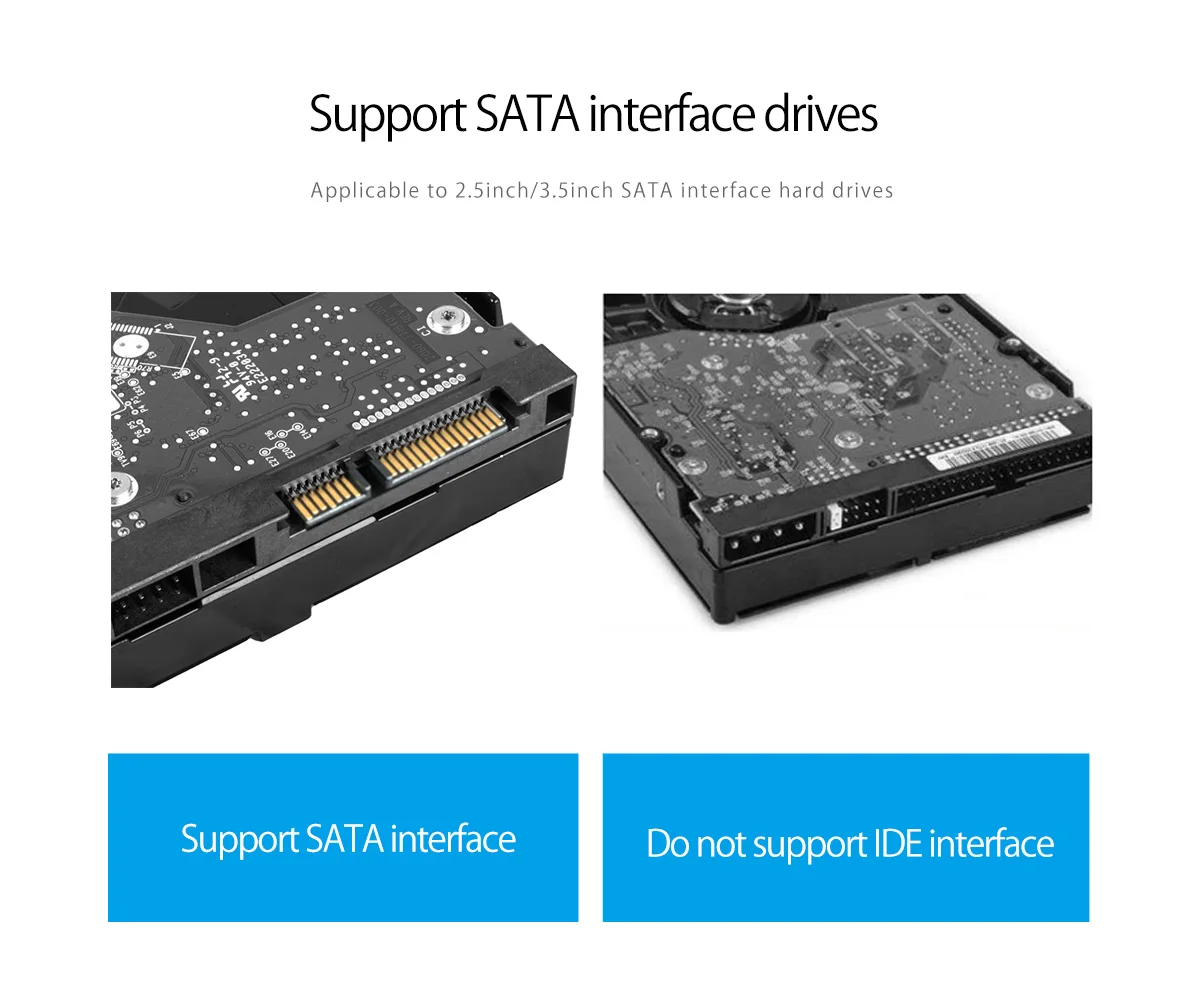
Support HDD: 2.5/3.5 inch HDD SSD
Supported Capacity: Single disk 10TB, Max 50TB
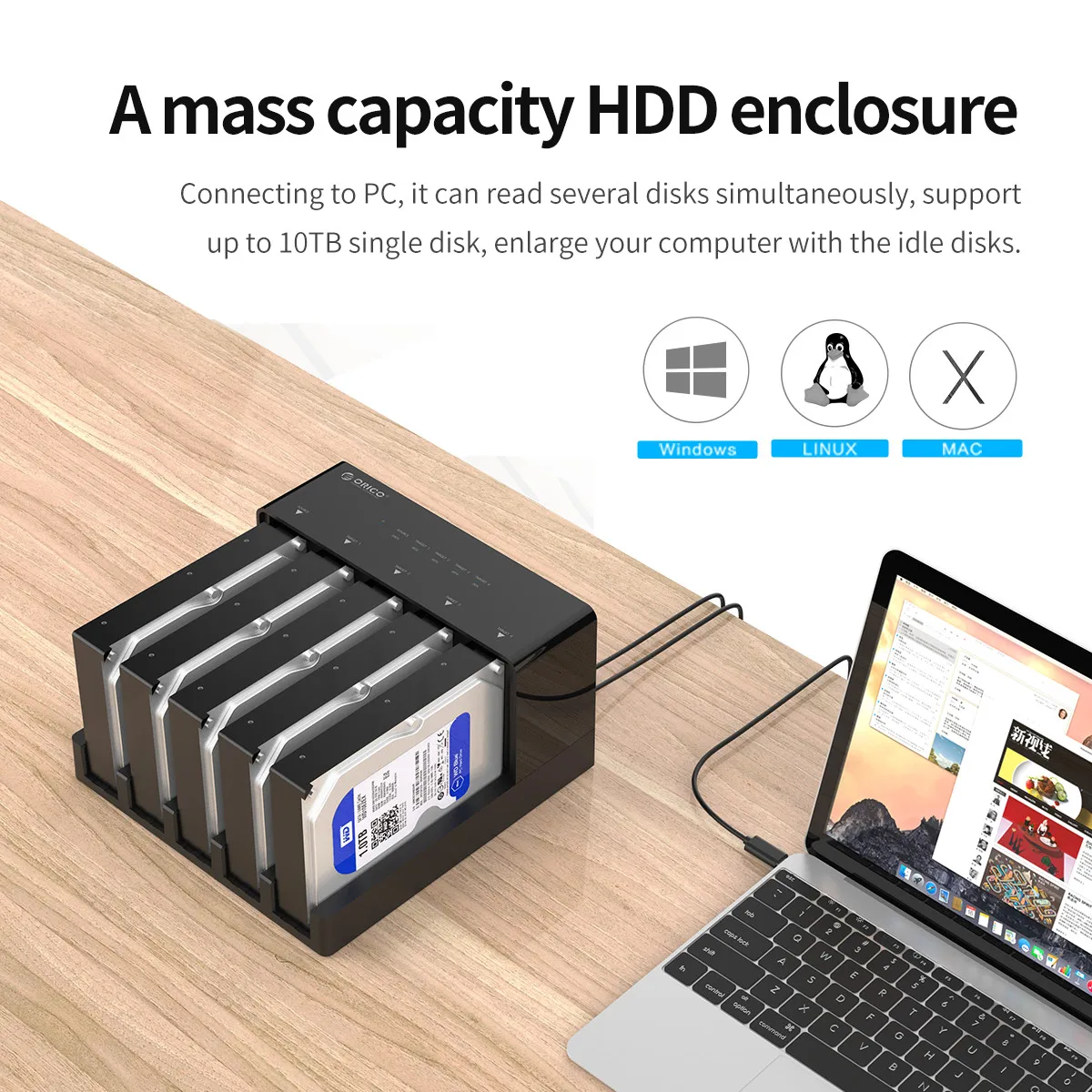
Supported System: Windows / Mac / Linux
Supporting Hard Drive Capacity: 20TB*5=100TB
Transmission Speed: 5Gbps(Theoretical Speed)
semi_Choice: yes
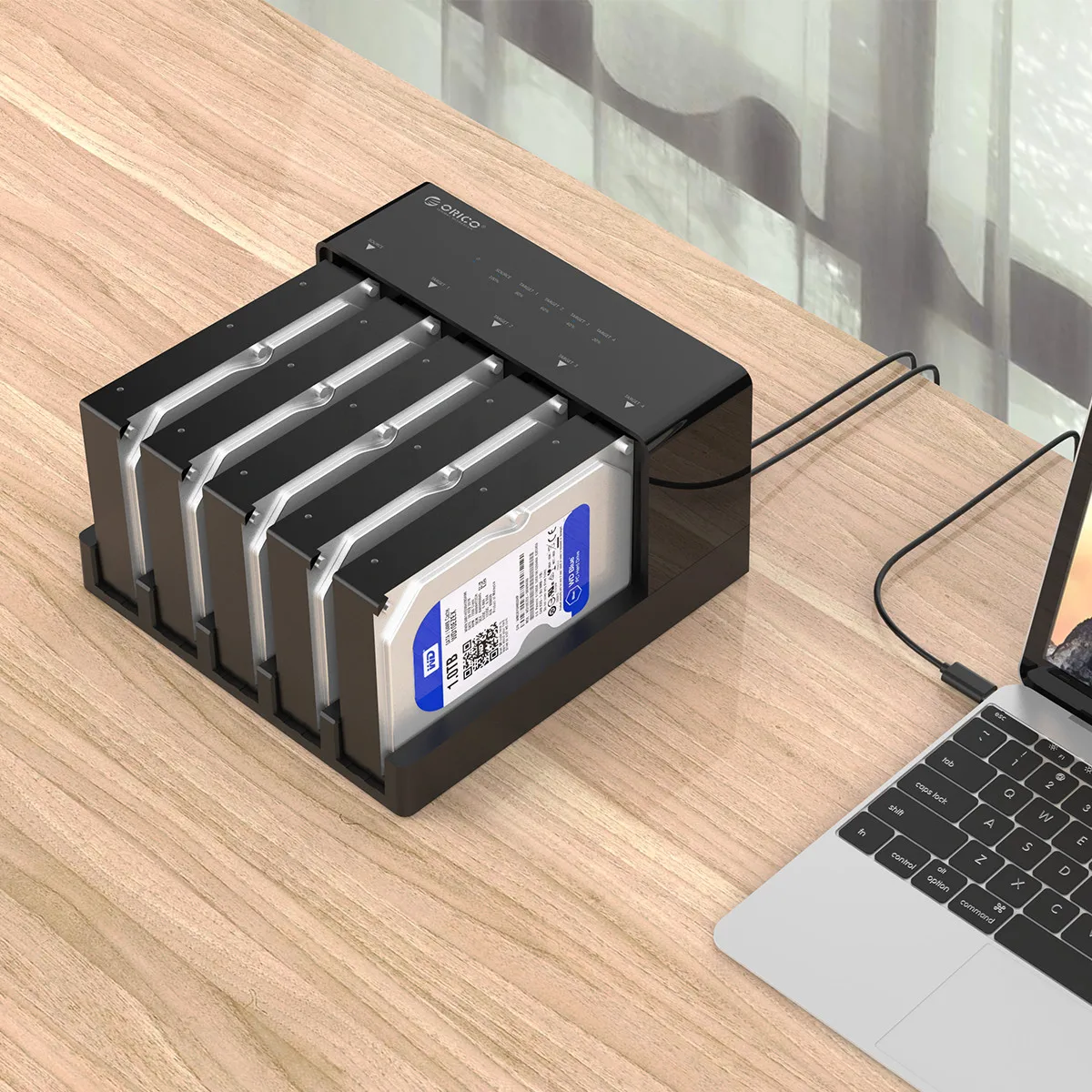
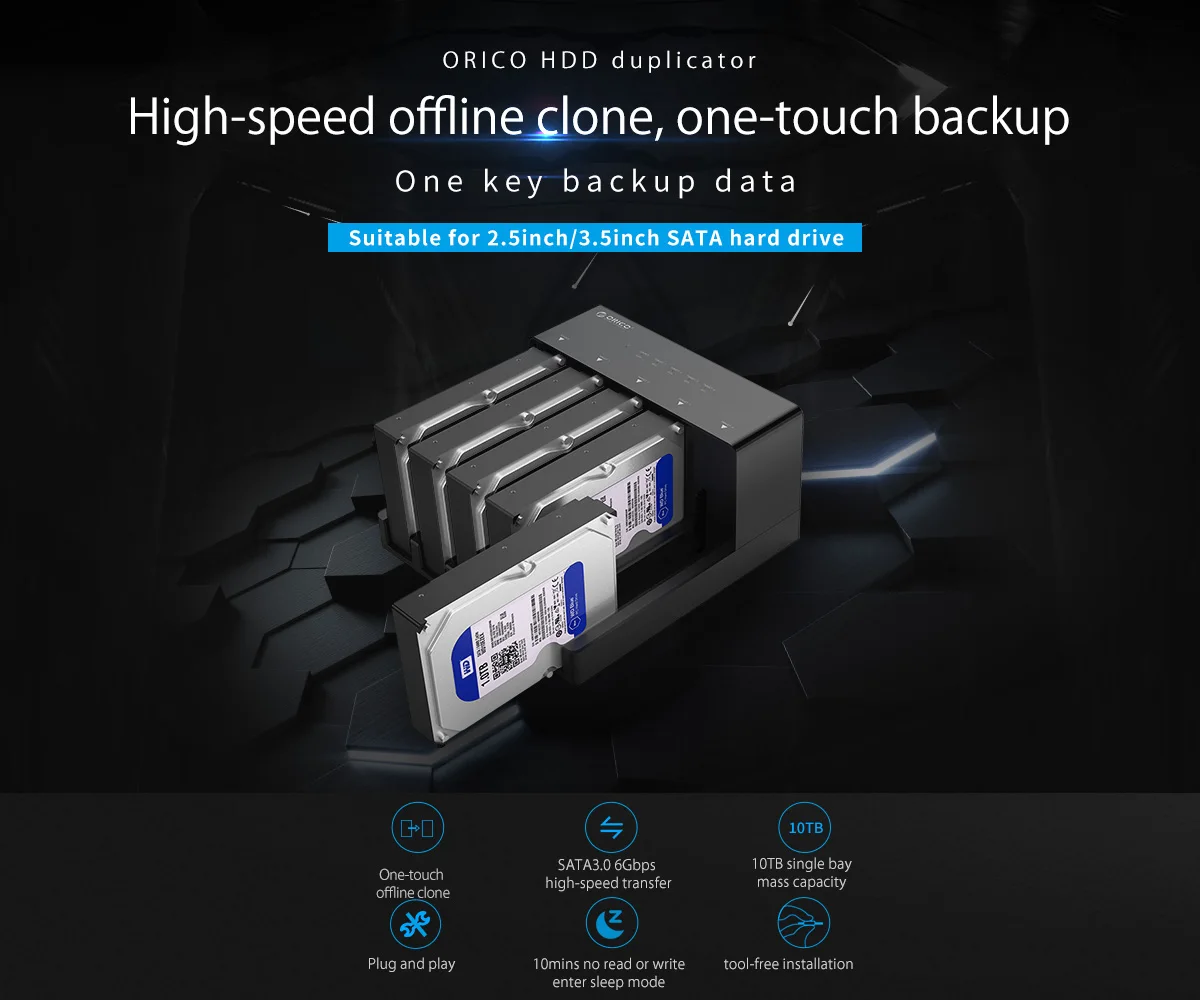
5 Bay Docking Station with Clone Function for 2.5 & 3.5 inch HDD / SSD
Suitable for 2.5 & 3.5 inch SATA HDD & SSD (5X 18TB Support), Tool Free installation, it allows users to mount 5 drives, you can always replace the disk spaces at the same time.
High speed USB3.0, save your time
Transfer data quickly and easily through USB 3.0 at speeds up to 5Gbps. More faster than others, save your time and bring super speed experience for you.
Features
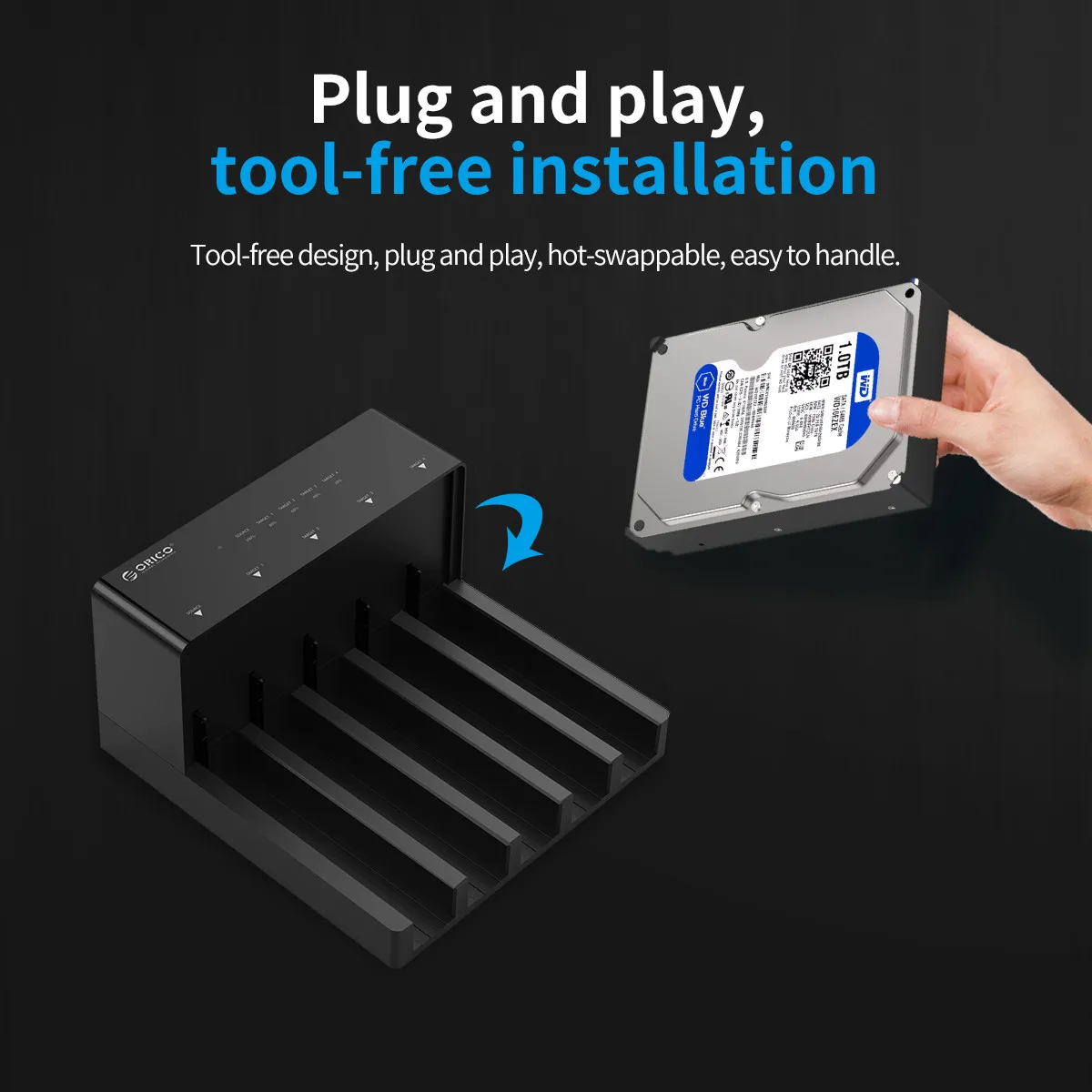
- Hot - swappable, no driver needed, plug and play, easy assembly in seconds.
- Supply Stable and Reliable DC Power Source (12V6.5A).
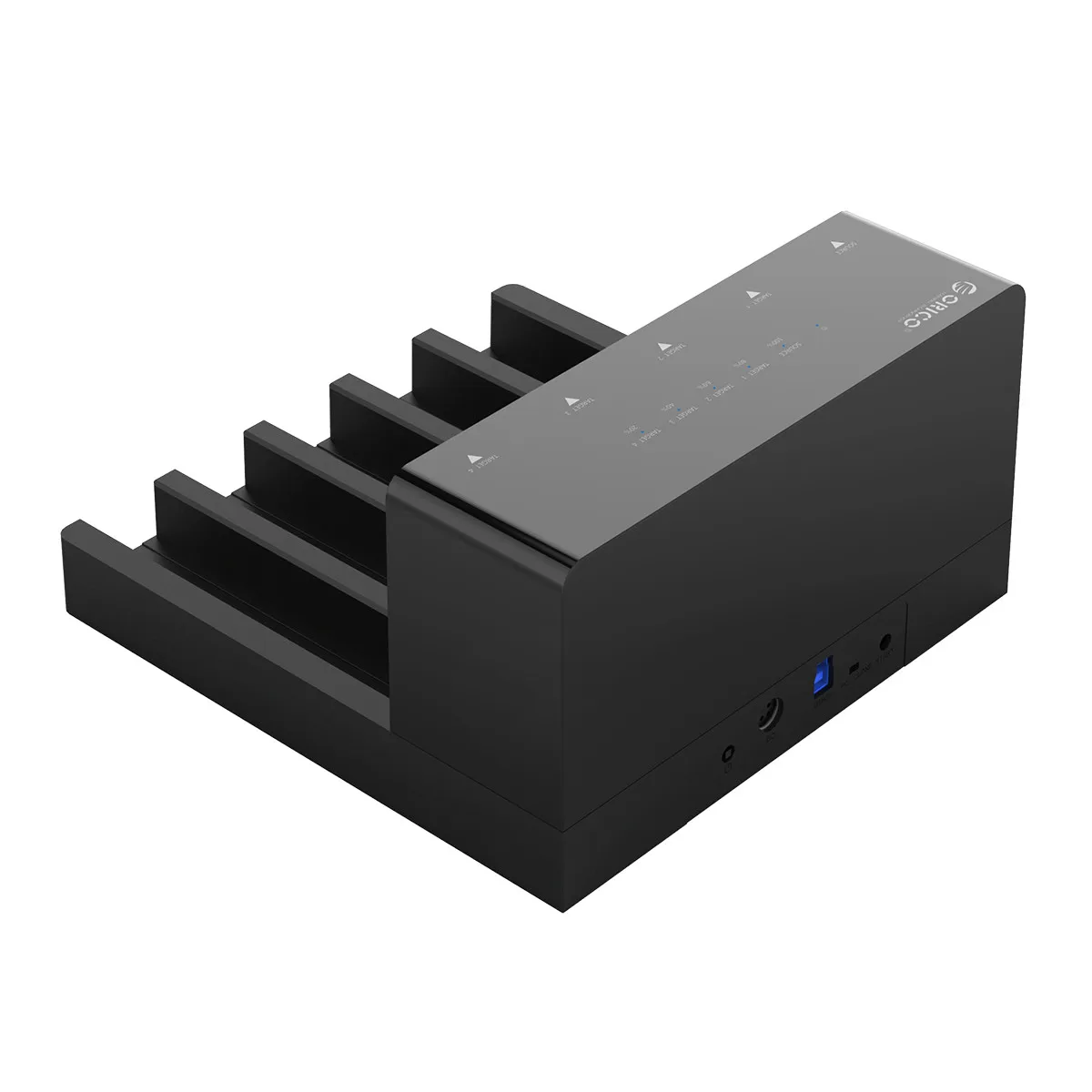
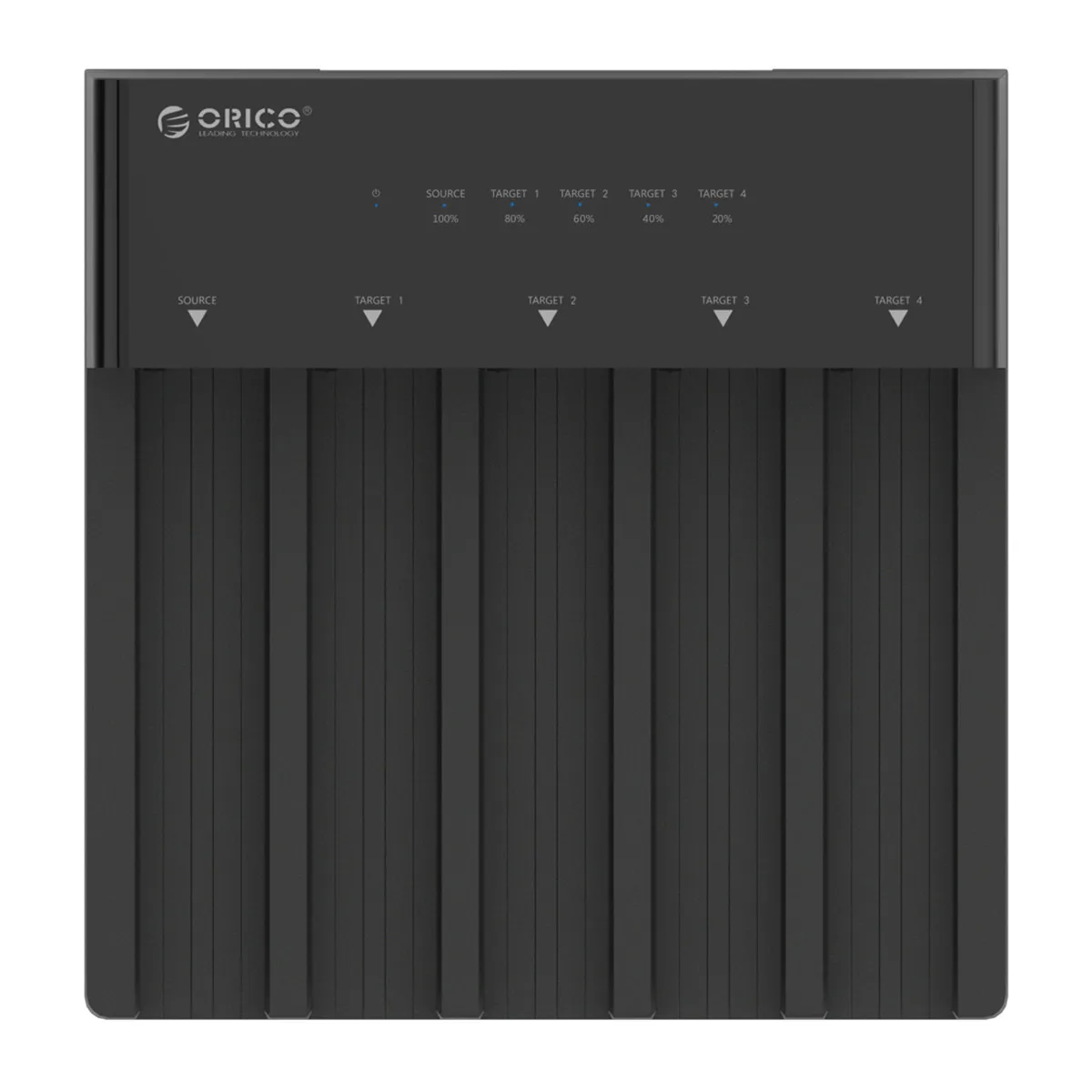
- LED light indicates Power and Clone progress.
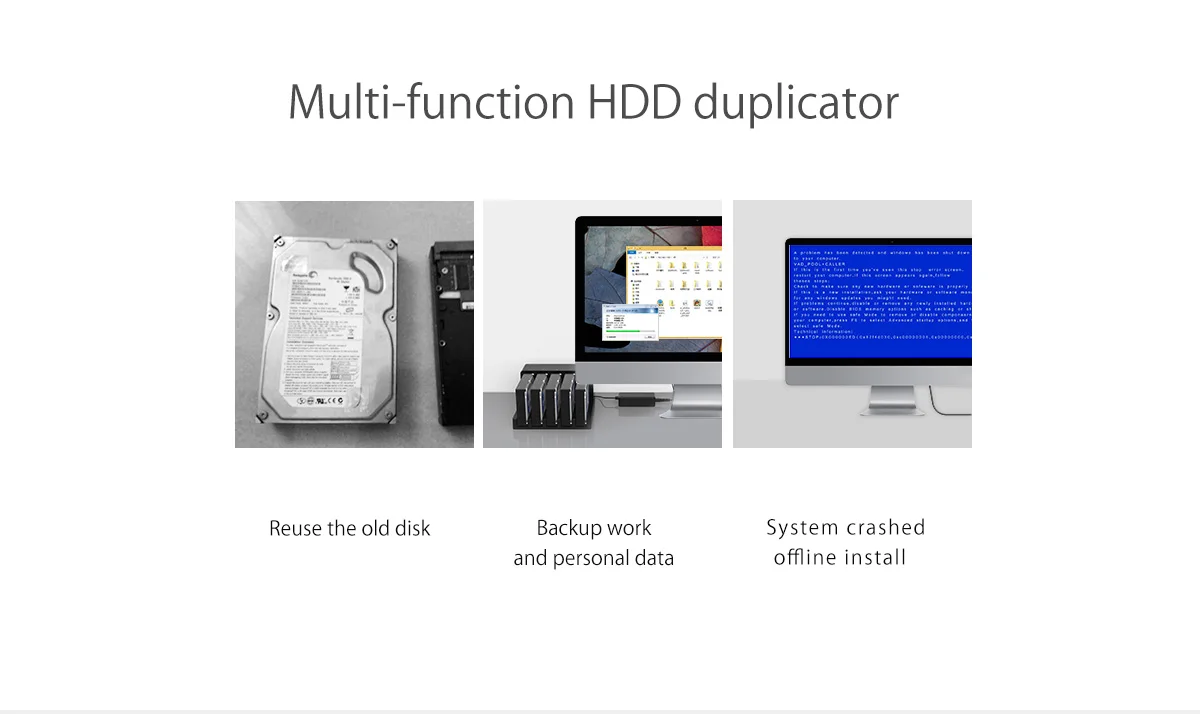
One-touch offline clone
----Make sure that the USB cable is disconnected from your computer.
1. Insert one hard drive in the Source bay, other drive in the target bay(The capacity of Target drive must be equal or bigger than Source drive.)
2. Push the PC / CLONE switch on the back of the hard drive to the CLONE side.
3. Connect power supply and press the POWER switch.
4. Then press the START Button on the back.
5. A Blue LED will flash on 20% indicating that the cloning process has begun.
6. The cloning process is complete when ALL the lights turn solid Blue (20%-100%).
7. Finally press the POWER switch and eject your drives.
Notes:
1.Please backup files in the target hard drive before cloning. Any files in target hard drive will be overwritten when offline cloning occurs, If the Target Disk Data is Still Useful, Please Use your Computer to Make a Backup First.
2.To avoid data loss, do not remove or insert hard drives when one drive is working in the docking station.
3.Make sure the USB cable is disconnected when using offline clone function
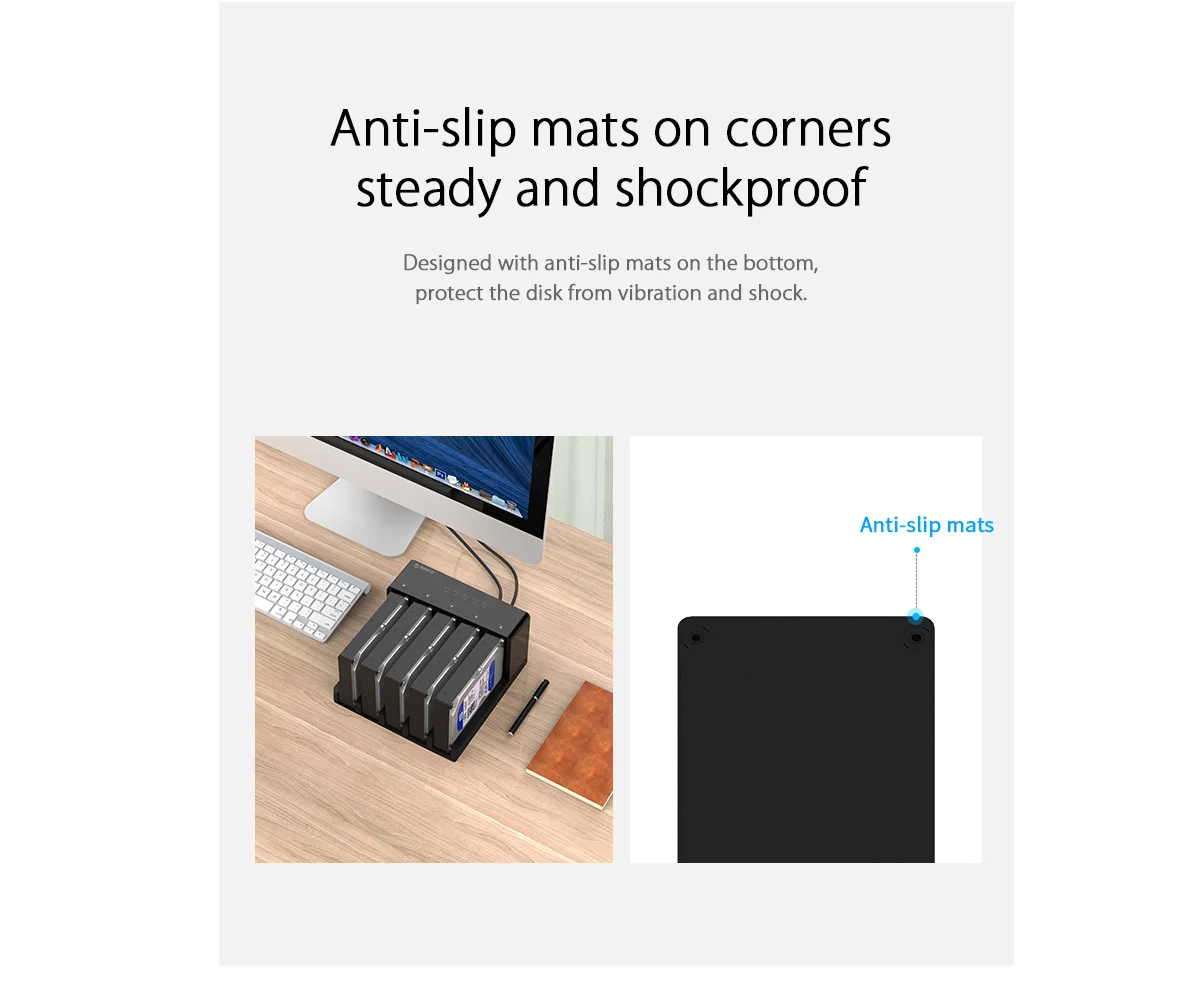
Anti-slip mats for protect the hard drive enclosure
Designed with the anti-slip mats on the corner, they will protect the disk from vibration and shock.
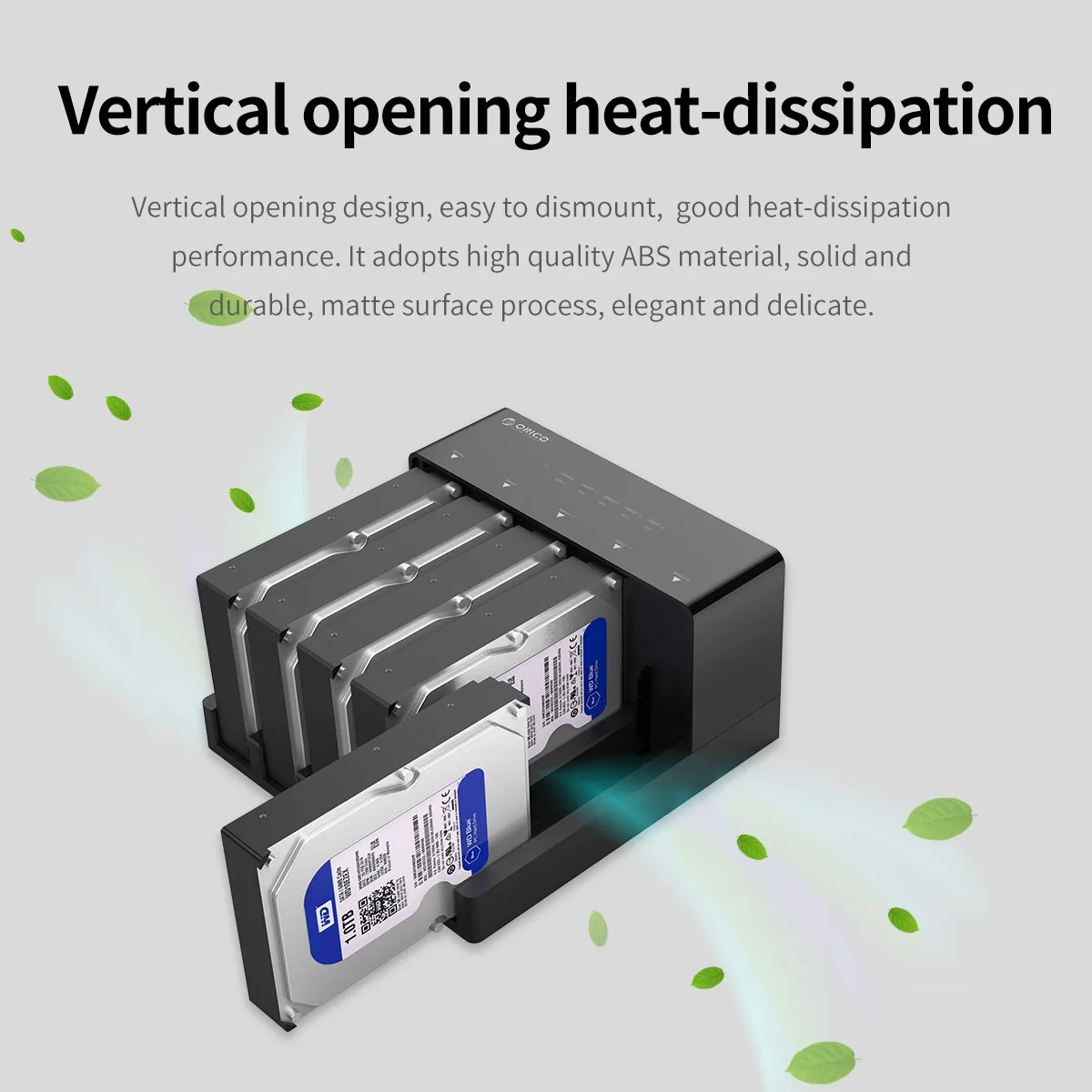
Coverless Design
The vertical open design with the superb natural heat dissipation, make a protective layer for your data in the disk, and decrease the damage to your hard drive data.
What is in the box!!!
1 x ORICO Five-bay docking station
1 x 12V6.5A Power Adapter
1 x 3.3 FT USB3.0 Cable
1 x User Manual
1 x Service Card
Product Detail